Yenka Light and
Sound
Yenka Light and Sound covers all of the optics and
waves simulation that was found in Crocodile Physics. It lets you experiment
with water, sound or EM waves, as well as modeling ray diagrams for optical
systems. To help you get started, we've got a wide range of
classroom content, with ready-made models, and a set of training videos.
Optics >>>>
A powerful optics simulator, with a range of
components including lenses, prisms, mirrors and light sources, lets you
model ray diagrams. You can import your own images and investigate how they
look when viewed in lenses in mirrors. As shown below, intensity and
blurring are modeled.

The rays from the object are drawn as you simulate,
letting you trace their path through the optical system.
Properties for all of the optical components can be changed, either by
dragging with the mouse or by typing in new values. You can also position
the components however you like - a true virtual workbench.
Waves >>>>
Yenka lets you take a top-down view of wave
propagation, and study key phenomena - such as refraction, interference,
diffraction and reflection - with water, sound or EM waves.

Point or plane wave sources, and a moving source whose velocity and bearing
you can control, generate waves. You can also control the frequency, phase
and amplitude of each source. Add obstacles, reflectors and slits to
investigate reflection, refraction, diffraction and interference. Position
these components wherever you want, and control properties like size,
orientation, damping, slit spacing and width, and the material from which
each is made.
Available in the Yenka All Physics Bundle: 
Yenka Motion
Yenka Motion lets you experiment freely with forces
and motion, with control over a wide range of parameters. It covers the same
motion topics as were found in Crocodile Physics.

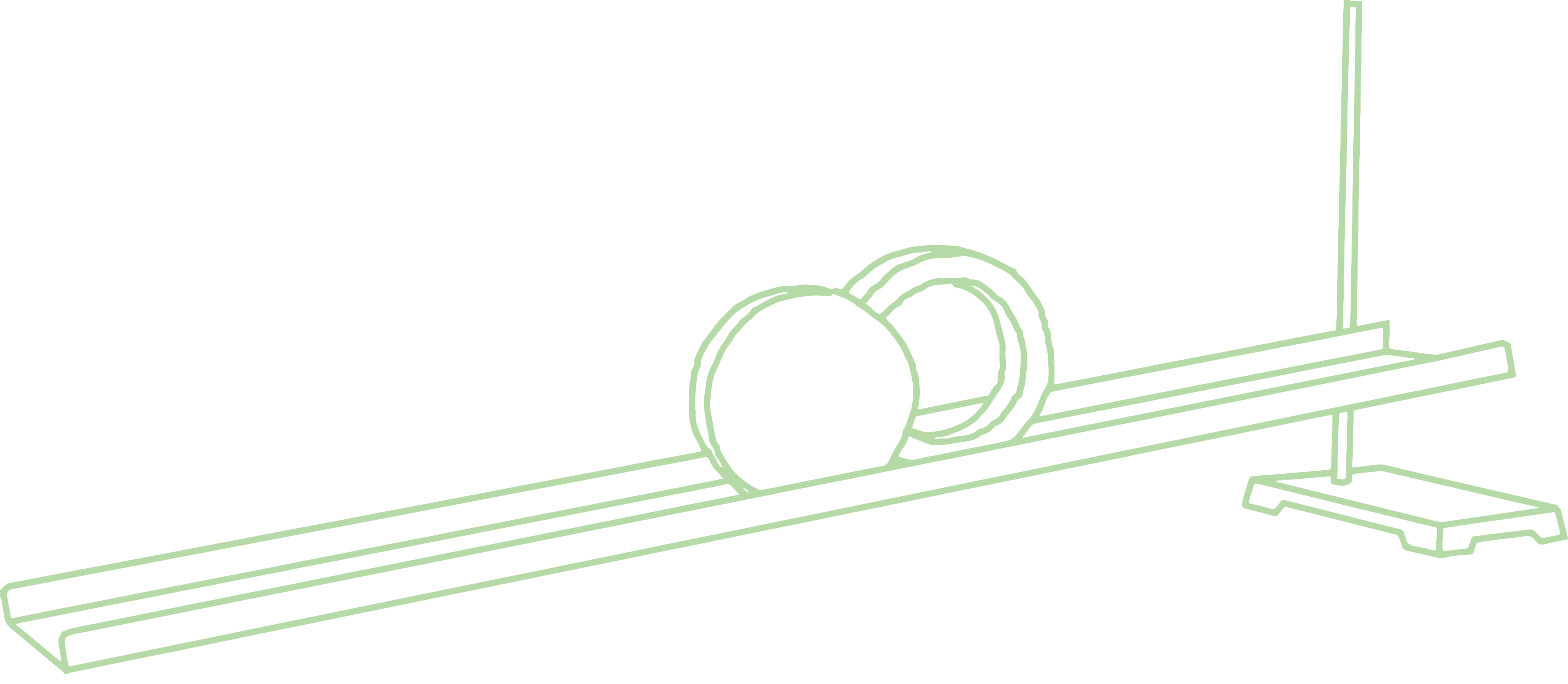
Add balls, blocks and carts, position them as you
wish, and drop, accelerate or collide them. Define parameters like mass,
elasticity, coefficient of friction, dimensions, velocity and driving force,
and add your own images to give context. Attach rods and springs to
investigate simple pendulums, spring oscillations, Hooke's Law and
rotational motion.

Add gravity to your simulations - you can set the
strength of this field, and also the elasticity and friction of the ground.
You can graph the motion of your parts - plot a wide range of quantities,
like velocity, momentum, kinetic and potential energy, or acceleration.
Available in the Yenka All Physics Bundle: 
Yenka
Electricity
Yenka Electricity lets you build AC and DC circuits
using a wide range of electrical components, and investigate how they
behave. It covers the same electricity topics as were found in Crocodile
Physics.

Every school subject area is covered: from the basic batteries, bulbs and
switches - which are also given in pictorial form, to help understanding of
the first principles - to more advanced logic gates, integrated circuits and
semiconductors. A vast component library gives you the freedom to experiment
in a way that suits your teaching, and allows interested students to explore
the subject more deeply.
Creating circuits is simple. Just use the mouse to drag components onto the
screen, and then link them by drawing wires between their terminals. As you
draw, the animation shows the design springing to life. The simulation is
mathematically accurate, allowing you to test designs and explore the laws
of Physics. Most component values can be changed at will.
Avalable in the Yenka All Physics Bundle: 
Yenka
Electrochemistry
Yenka Electrochemistry lets you
simulate experiments in electrolysis, electroplating and cells. There's a
range of classroom activities and training videos to help you get started.
Choose from a range of metal or carbon electrodes, and combine them with one
of 28 different electrolytes. For each electrolyte, you can set the
concentration and volume precisely. Add a battery and wire it to the
electrodes, and watch your simulation run.

The information window shows you the
reactions that take place. You can look at the reactions and properties at
each electrode, as well as at the overall cell equation. To simulate voltaic
cells, use two beakers and a salt bridge, and a voltmeter to measure cell
potential. Make measurements from your simulation using equipment like a
thermometer, a pH meter or a balance, or use the graph tool to plot
simulated experimental data.
Available in the Yenka All Chemistry Bundle: 
Yenka
Inorganic Chemistry
Yenka Inorganic Chemistry is virtual chemistry
laboratory where you can model experiments and reactions safely and easily.
Drag chemicals, equipment and glassware from the toolbars at the side of the
screen, and combine them as you wish. Then choose whatever quantities and
concentrations you like: reactions are modeled accurately as soon as you mix
the chemicals. The powerful graph tools let you plot data from your
reactions - for example, pH against volume. You can also view reaction
mechanisms using 3D animations.

The power of simulation
Yenka Inorganic Chemistry offers much
more than much other software. It's not just a limited set of animations:
it's a full, flexible simulated laboratory. As well as presenting the models
on a whiteboard, you can let your students simulate their own experiments
with Crocodile Chemistry - ideal for coursework, revision or group
activities. Because it's a virtual lab, they can experiment safely and
easily, encouraging scientific enquiry and seeing reactions that aren't
possible or practical in real life.
Available in the Yenka All Chemistry Bundle: 
Upgrade from Crocodile Physics
to Yenka Physics Site License
Upgrade your Crocodile Physics site
license to a Yenka Physics site license which includes all of the physics
simulation modules; Light & Sound, Motion, and Electricity.
School Site License
Ordering and demo
download
details
Upgrade from
Crocodile Chemistry to Yenka Chemistry Site License
Upgrade your Crocodile Chemistry site
license to a Yenka Chemistry site license which includes both the Electro
Chemistry and Inorganic Chemistry modules.
School Site License
Ordering and demo
download
details
Upgrade from Crocodile Physics
Concurrent User to Yenka Physics Site License
Upgrade your Crocodile Physics
concurrent user
license to a Yenka Physics site license which includes all of the physics
simulation modules; Light & Sound, Motion, and Electricity.
Concurrent User License
Ordering and demo
download
details
Upgrade from
Crocodile Chemistry Concurrent User to Yenka Chemistry Site License
Upgrade your Crocodile Chemistry
concurrent user
license to a Yenka Chemistry site license which includes both the Electro
Chemistry and Inorganic Chemistry modules.
Concurrent User License
Ordering and demo
download
details
No upgrades are available to a Teacher
License.
|